Owner App
See your pivot, operate from the control screen and review readings by source.
Explore owner tasksSmart Agriculture / Remote Control
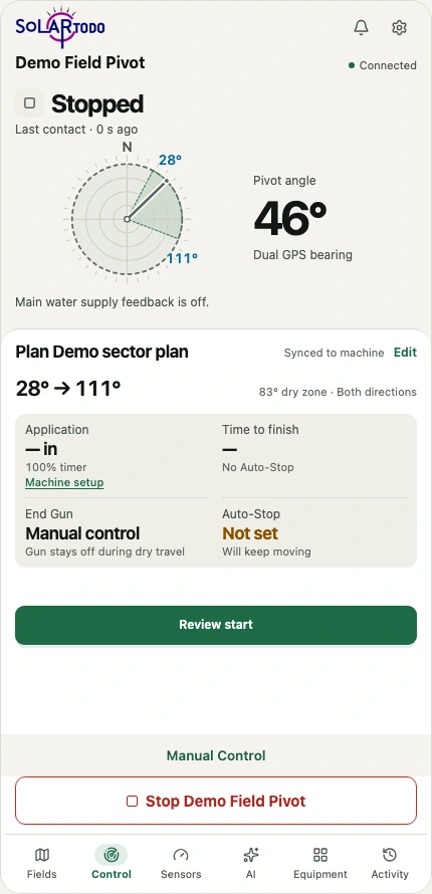 View App screen
Operate a compatible existing electric center pivot from your phone. Check the machine’s position, request start or stop and see the feedback from its control cabinet.
US$799 hardware US$99 / year platform
The platform includes 4G/5G network fees. Optional AI analysis is US$9.90 / month.
Check your existing machine
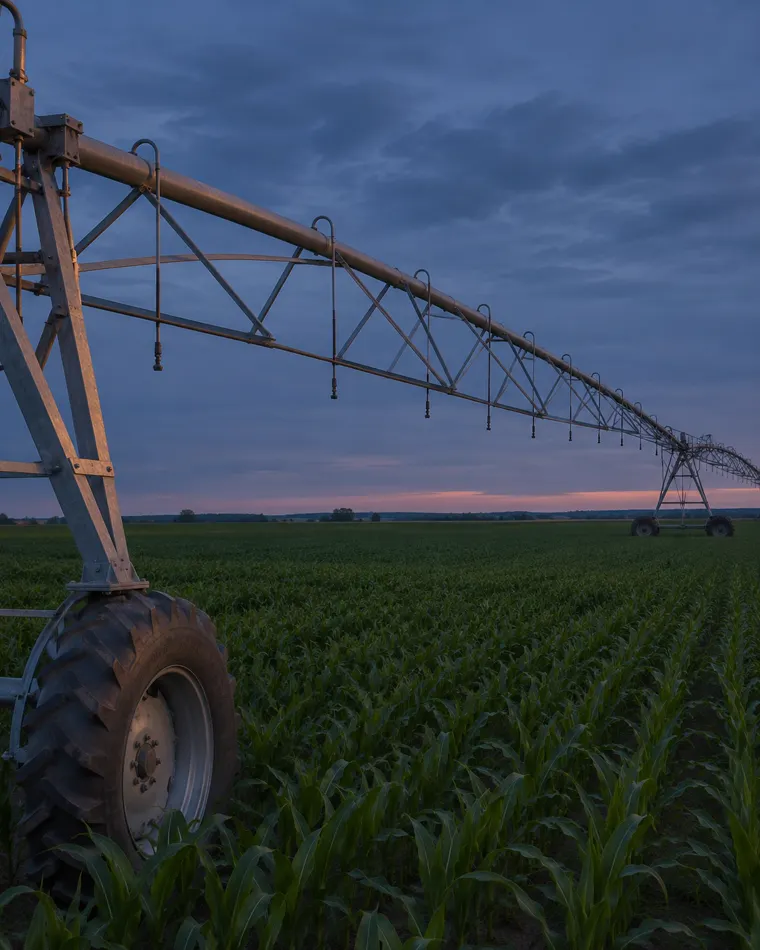
The retrofit is designed for electric center pivots with a suitable control interface. Share your original panel information so we can review which functions can be integrated.
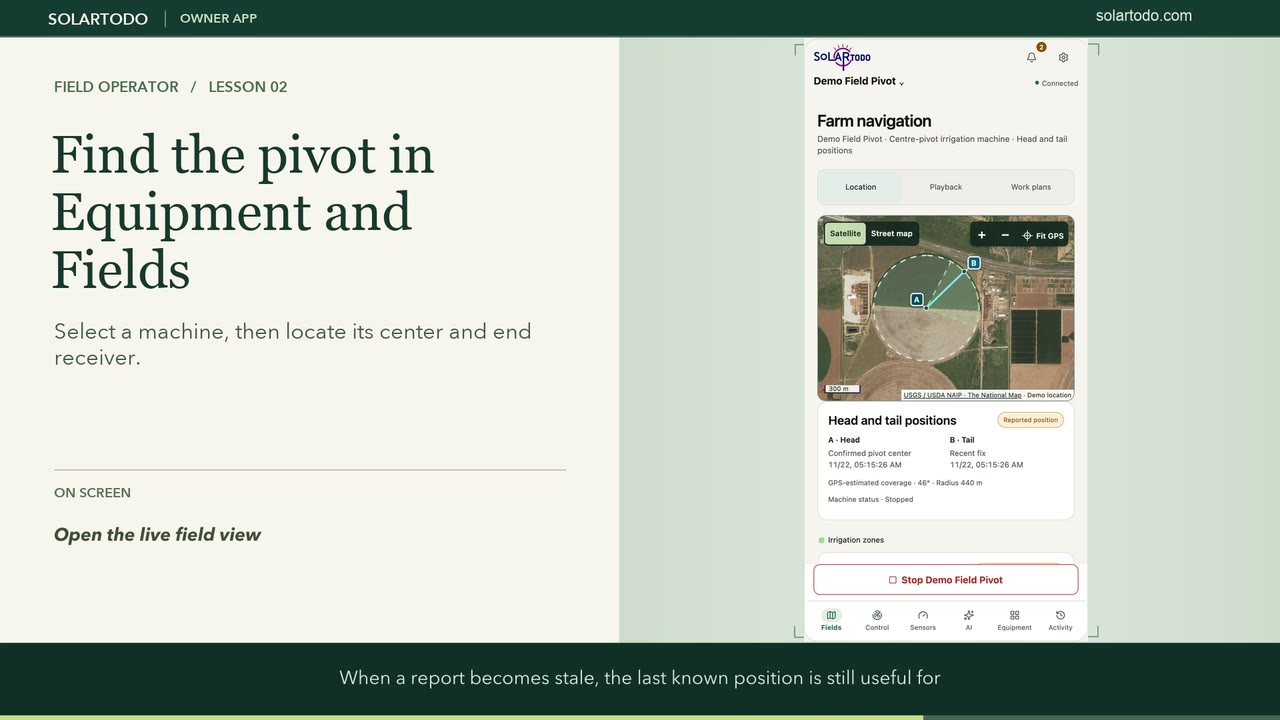 Open the training library
Operator training
Choose a role and open a chapter to follow the same controls from the first click to the result.
See your pivot, operate from the control screen and review readings by source.
Explore owner tasksRegister equipment, assign owners and permissions and check reports and changes.
Explore administrator tasksUse the compatibility, wiring and commissioning information with an installer.
Explore field resourcesMap recent and last known positions, replay GPS tracks and edit work areas.
Choose a direction, send start or stop, check feedback, manage work plans and use configured water controls.
Activate compatible probes, check readings, export data and review assigned alerts or cameras.
Review a seven-day monitoring report with trends, source data and gaps.
Claim and select equipment, check available reports and review installation details.
Check events, look up the result of a request and change the interface language.
Find offline equipment, pending claims and items that need follow-up.
Register machines, review installation geometry, publish plans and review equipment feedback.
Issue or rotate codes and verify equipment assignment.
Register supported probes, issue activation codes and manage measurements.
Manage monitored segments, check heartbeats and handle alerts.
Maintain camera records and check live or recorded footage permissions where provided.
Look up account entitlement and source records.
Set account access and grant permissions for specific machines.
Review recorded changes to claims, equipment and permissions.
Verification
The reverse clip shows the request and returned state in the real App interface. Simulated inputs let you see the steps in sequence.
One bench sequence contains eight recorded actions, including direction selection, travel commands, end-gun contact changes and a final stop. It checks electrical signals at the controller.
At the machine, verify original protections, travel and stopping distance. Confirm actual water delivery and affected functions for the installed configuration.
US$799
Hardware price. Installation and site-specific items are assessed with the quote.
US$99 / year
Includes 4G/5G network fees. Confirm the carrier, supported bands and coverage for your site.
US$9.90 / month
A separate subscription for monitoring analysis, trends and data gaps.
Step-by-step workflows with full App and administration screens.
Main and end-tower cable diagrams, conductor labels, terminal checks and site commissioning records.
FAQ
Compatibility depends on the original cabinet, available command inputs, independent feedback and local network. Have the make and model or a panel reference ready. You can start the review if the model is unknown.
The message records a submitted request. Check the controller response, then look for fresh independent running and direction feedback where wired. Confirm physical movement during commissioning.
GPS reports location and travel history. Confirming water delivery and depth calls for compatible water measurements and local verification.
US$99 per year covers the software control platform and 4G/5G network fees. The carrier, coverage and equipment compatibility are checked by site. The US$799 hardware price and optional US$9.90 monthly AI subscription are separate.
Prepare the pivot make and model, original panel revision, available feedback signals, planned water and end-gun functions and intended carrier. Record the actual signals and mechanical results during commissioning.
Start with your country, machine and the function you want to control. A cabinet reference and a list of available feedback signals help an installer assess the retrofit.
The SOLARTODO team will review your machine and reply by email.
Open SOLARTODO Contact